

01
在 i2Colors 中生成感知色阶并验证对比度
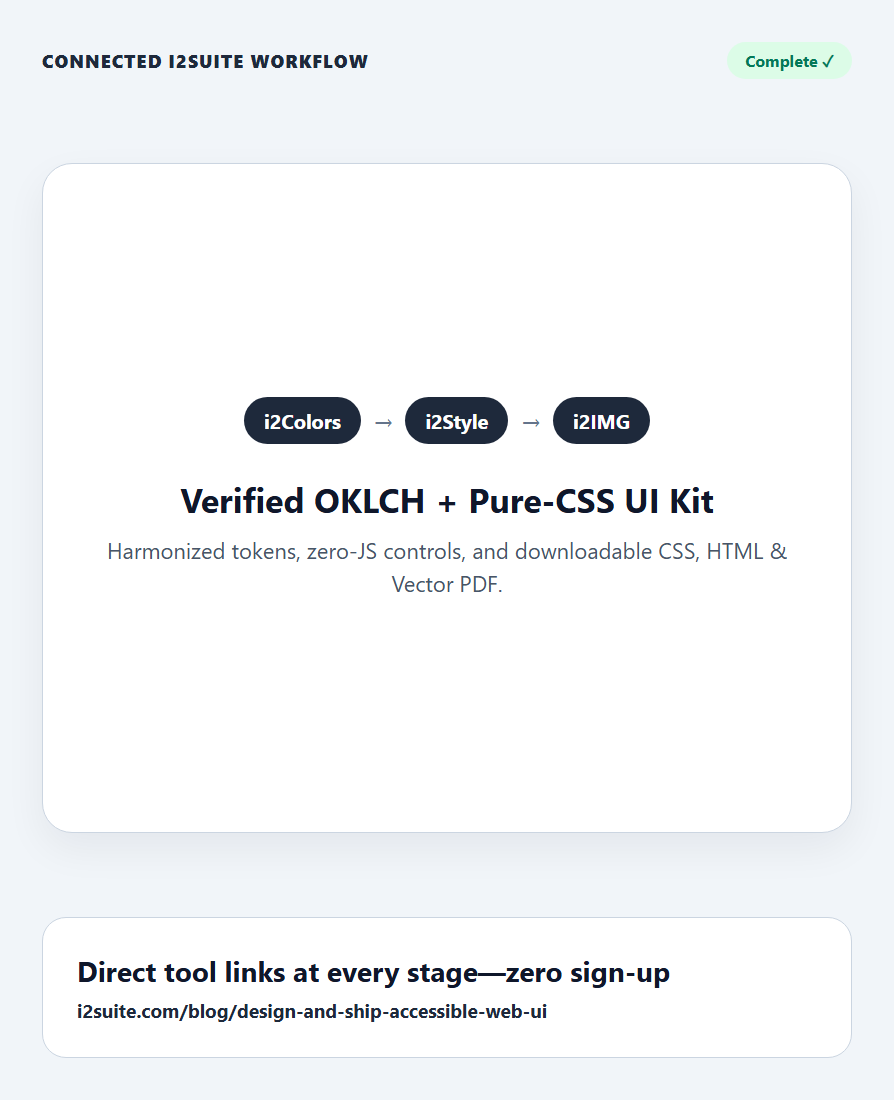
在 i2Colors 中打开 Tailwind 颜色 或 Bootstrap 颜色,根据您的品牌十六进制代码生成平衡的 50–950 或 025–975 OKLCH 色阶。
在 对比度检查器 中验证 AA/AAA 文本配对。
02
在 i2Style 中自定义纯 CSS 控件并导出您的套件
将您的品牌十六进制代码粘贴到 i2Style UI 套件构建器 中,并选择按钮、导航栏、选择框、标签页、手风琴、模态框、阴影和加载器等预设。
下载您合并后的 .css 样式表、独立的 .html 展示页面以及可选择的矢量 .pdf 样式指南。
03
在 i2IMG 中压缩插图和首屏图形
通过 i2IMG 运行产品截图和插图,将沉重的 PNG 转换为响应式 WebP 资源。
将轻量级的纯 CSS 表面(如 CSS 网格渐变)与压缩后的 WebP 结合使用,实现即时页面加载。
Common questions
Can I reuse my i2Colors CSS variables directly inside i2Style?
Yes—click Import .css/.json inside any i2Style studio toolbar to load your exported :root custom properties automatically.
Do exported i2Style components require an external JavaScript runtime?
No—accordions, tabs, carousels, tooltips, and modals use modern native HTML5 (<details>, <dialog>, :has()) and pure CSS.
START THIS WORKFLOW
Open i2Style UI Kit Builder
Jump straight into the tools
Go from perceptual OKLCH color scales to 50-category pure-CSS components, optimized WebP assets, and a Vector PDF Style Guide.