

Extract editable text from images or scanned PDFs in i2OCR
Upload your scanned page or camera photo to PDF OCR or Image OCR—including dedicated PDF Arabic OCR and PDF Japanese OCR.
Copy the recognized text or download directly as Word or plain text.
Clean stray OCR line breaks and type multilingual passages
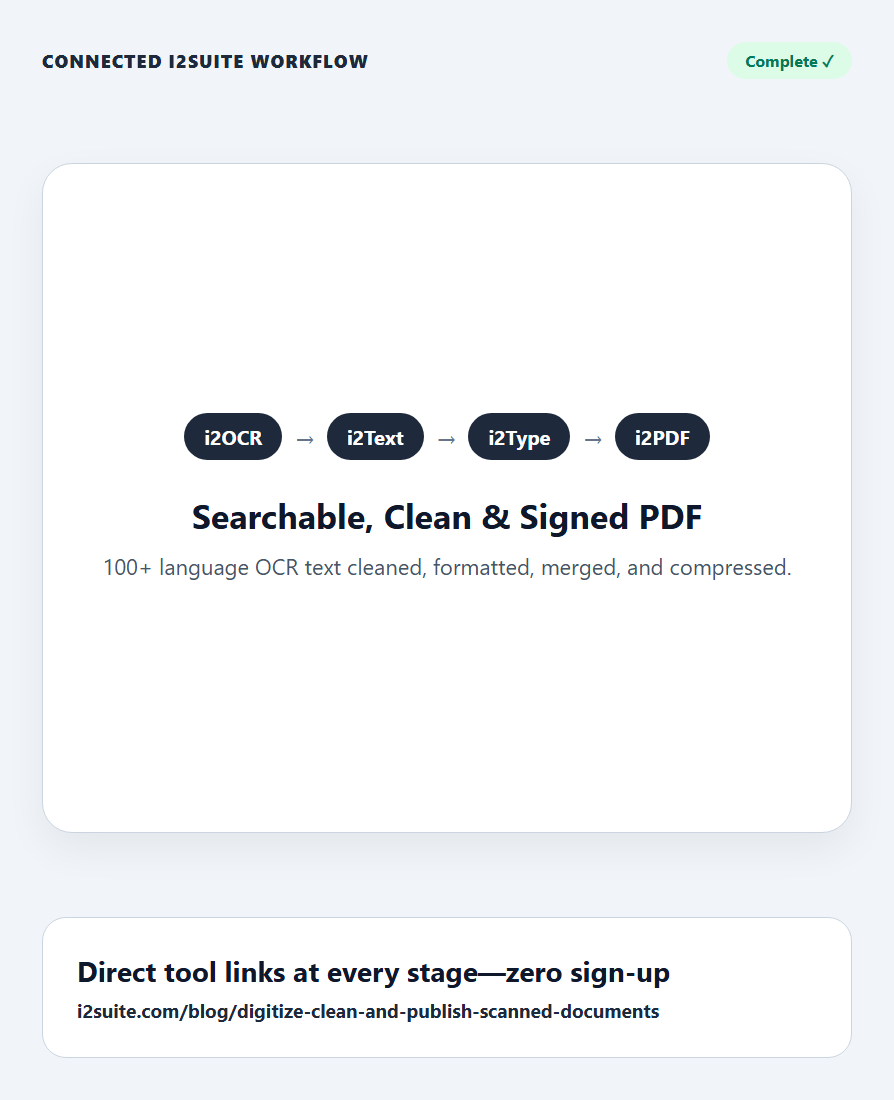
Paste the extracted text into i2Text Word Counter to inspect structure, strip unwanted line breaks, or convert directly via Text to PDF.
Need to type corrections in Arabic, Cyrillic, Devanagari, or Zhuyin without OS keyboard setup? Open i2Type or ArabicKeyboard.io.
Assemble, crop margins, sign, and compress the final PDF in i2PDF
Bring your pages into Edit PDF or Crop PDF on i2PDF to trim scan borders, merge appendices, and add signatures.
Finish with Compress PDF for fast email delivery or archival storage.
Common questions
What if a scanned PDF has dark gray photocopy shadows around margins?
Run Crop PDF or Color PDF on i2PDF first to trim dark edges, which also improves OCR accuracy on faint text.
Can I extract tables or multi-column academic pages in i2OCR?
Yes—i2OCR preserves column reading order so multi-column articles do not merge across adjacent columns.
Jump straight into the tools
Turn camera photos or paper scans in 100+ languages into clean, proofread, signed PDF deliverables.