

01
在 i2OCR 中从图像或扫描版 PDF 中提取可编辑文本
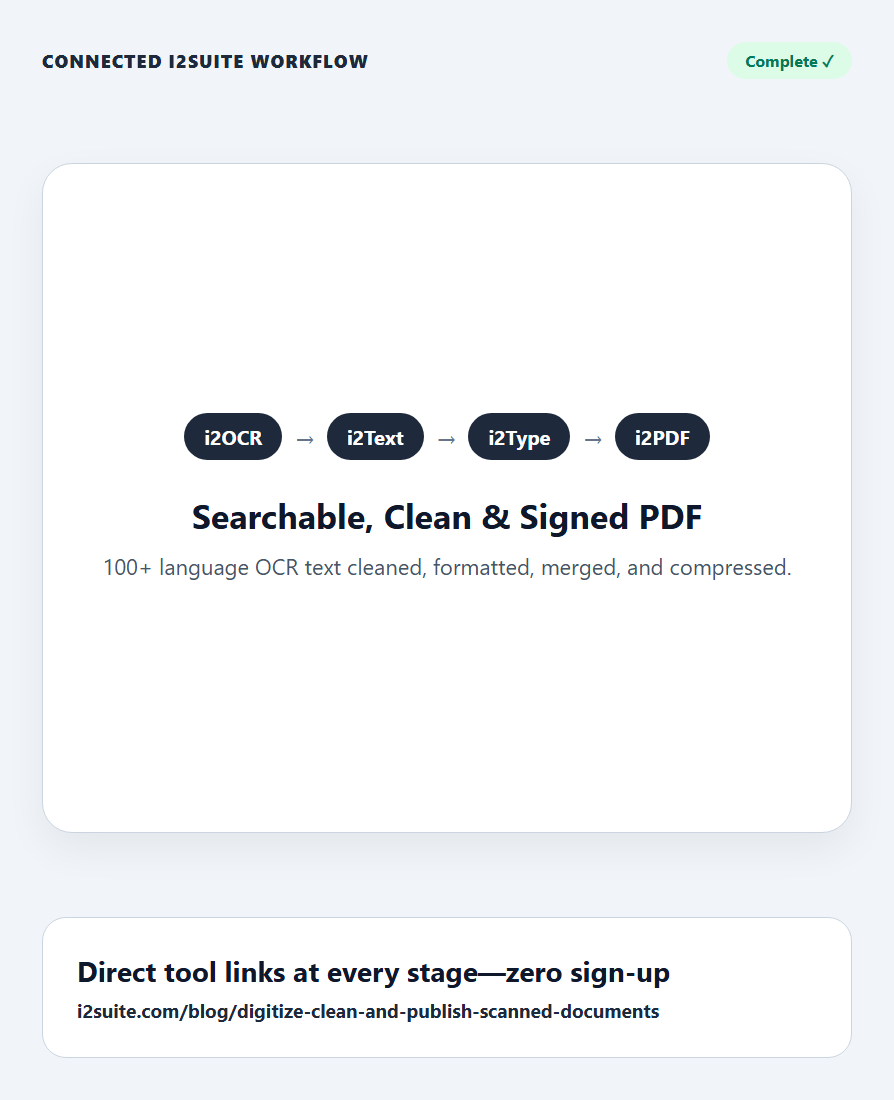
将扫描页面或相机照片上传至 PDF OCR 或 图像 OCR,包括专用的 PDF 阿拉伯语 OCR 和 PDF 日语 OCR。
复制识别出的文本,或直接下载为 Word 文档或纯文本。
02
清理多余的 OCR 换行符并输入多语言段落
将提取的文本粘贴到 i2Text 字数统计 中以检查结构、去除不需要的换行符,或通过 文本转 PDF 直接转换。
需要在不设置操作系统键盘的情况下输入阿拉伯语、西里尔字母、梵文或注音符号?请打开 i2Type 或 ArabicKeyboard.io。
03
在 i2PDF 中组装、裁剪页边距、签名并压缩最终的 PDF
将页面导入 i2PDF 的 编辑 PDF 或 裁剪 PDF 中,以修剪扫描边缘、合并附录并添加签名。
最后使用“压缩 PDF”功能,以便快速通过电子邮件发送或进行存档存储。
Common questions
What if a scanned PDF has dark gray photocopy shadows around margins?
Run Crop PDF or Color PDF on i2PDF first to trim dark edges, which also improves OCR accuracy on faint text.
Can I extract tables or multi-column academic pages in i2OCR?
Yes—i2OCR preserves column reading order so multi-column articles do not merge across adjacent columns.
START THIS WORKFLOW
Open i2OCR & i2PDF
Jump straight into the tools
Turn camera photos or paper scans in 100+ languages into clean, proofread, signed PDF deliverables.