
Lock an accessible palette and caption contrast in i2Colors
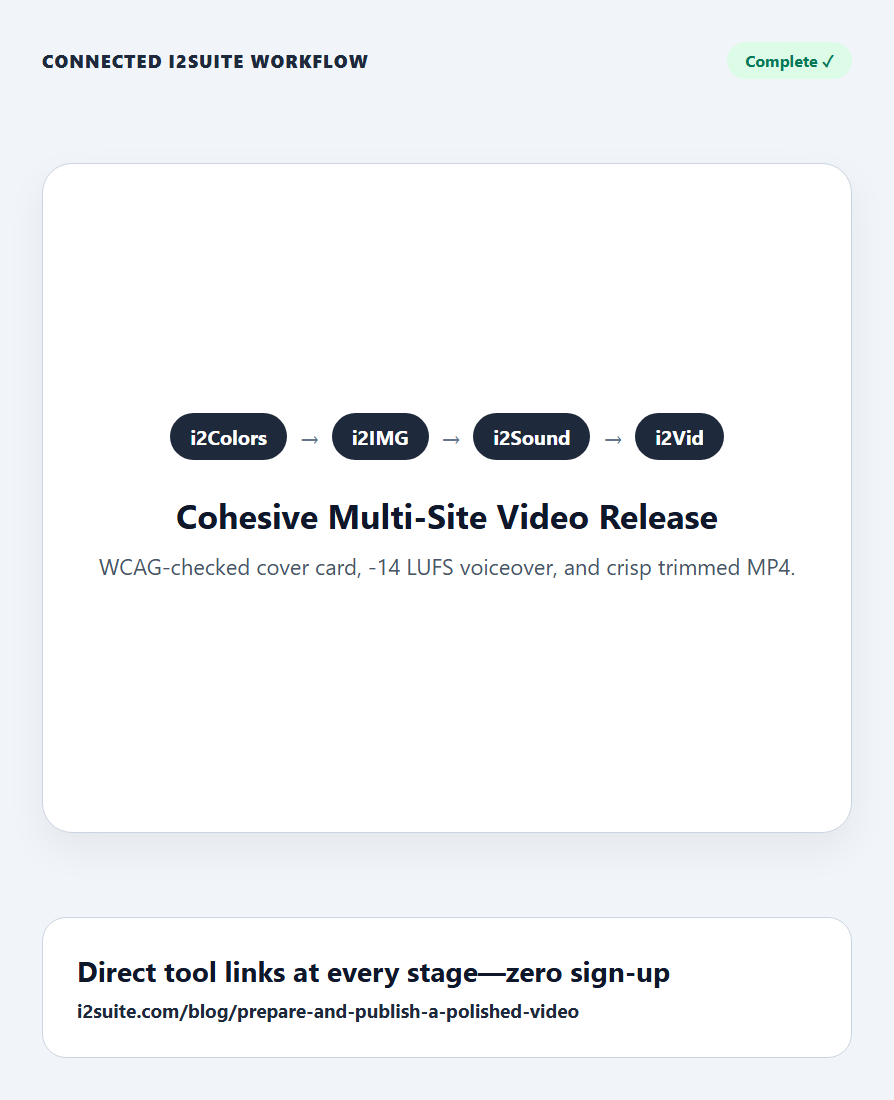
Start in i2Colors Palette Generator to choose a primary brand accent and dark or light backdrop, then verify caption readability in Contrast Checker so lower-third titles stay clear on mobile.
Copy your verified HEX codes—you will reuse the exact same accent on your thumbnail and title overlays.
Prepare crisp cover thumbnails and transparent overlays in i2IMG
Open Upsample Image or Remove Object from Image on i2IMG to clean up product screenshots and portraits.
Export a crisp 1920×1080 YouTube thumbnail (or 1080×1920 vertical cover) in lightweight WebP or PNG.
Clean background hiss and normalize narration loudness in i2Sound
Drop your raw microphone recording into i2Sound right in your browser—zero upload wait even on long WAV files.
Trim leading silence, attenuate room hum, and normalize loudness to broadcast-ready -14 LUFS before exporting clean WAV or AAC.
Trim clips, reframe aspect ratios, and export MP4 in i2Vid
Open i2Vid to combine your footage and cleaned voiceover, cut dead air, and reframe between 16:9 desktop and 9:16 vertical Shorts.
Export a watermark-free MP4 locally via WebCodecs with zero server upload.
Common questions
Do my video and audio recordings upload to a remote server?
No—both i2Sound and i2Vid process media locally inside your browser using Web Audio, WebCodecs, and WebAssembly.
What loudness target works best for YouTube and Reels?
Targeting -14 LUFS integrated loudness with a -1.0 dBTP true-peak ceiling prevents platform volume penalties and clipping.
Jump straight into the tools
Connect accessible brand colors, crisp cover art, normalized voiceover audio, and frame-accurate browser video editing.